If you’re a photographer who cares about the way your galleries present to your clients, you’re going to want to take a look at Pic-Time’s latest update.
Pic-Time’s New Gallery Grids Are Here: More Control Over How Your Galleries Look
If you use Pic-Time for your photography galleries, there’s a pretty significant update launching on September 23 that gives you much more control over how your images are arranged and displayed.
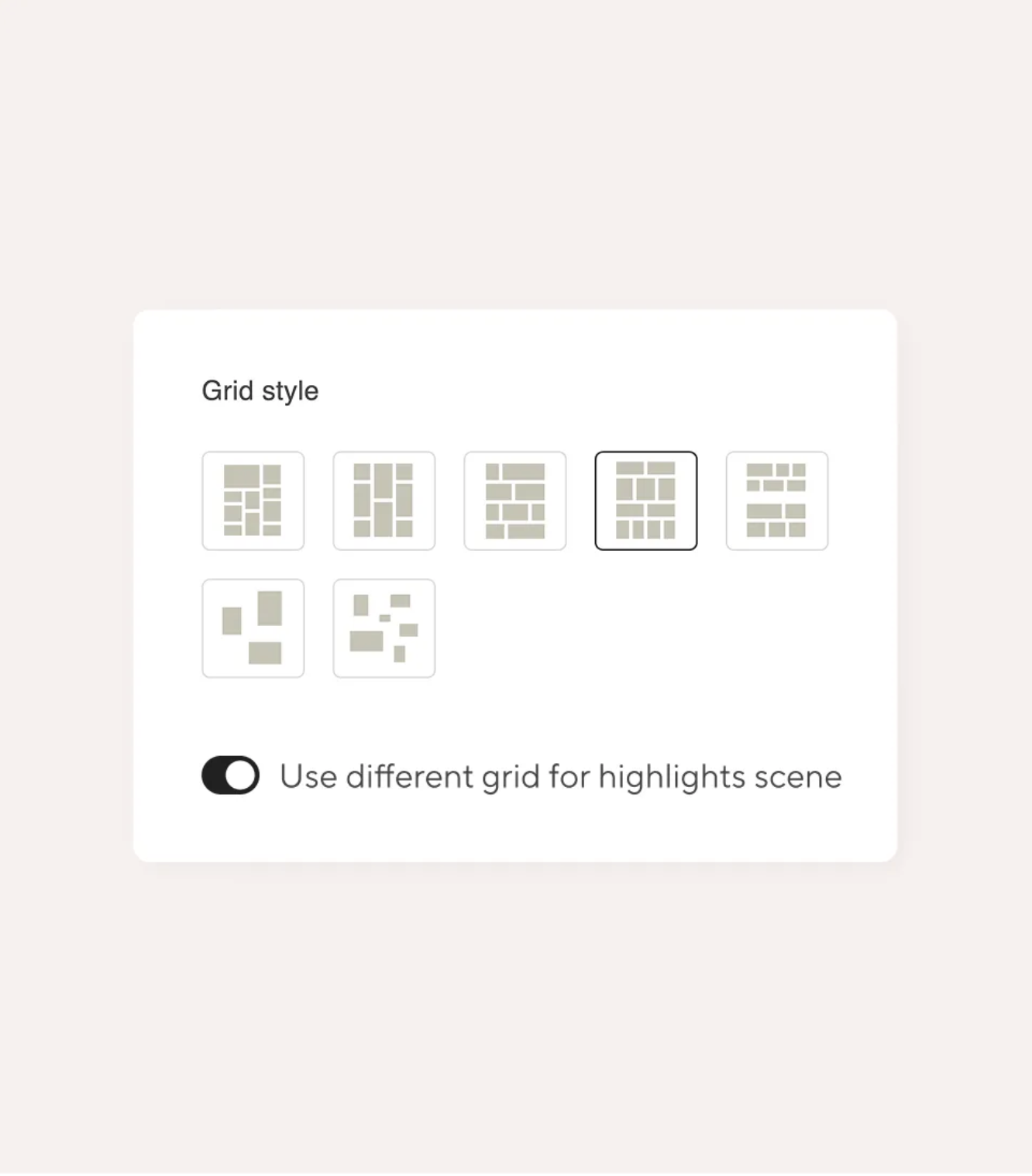
Pic-Time is introducing an entirely new Gallery Grid experience, with seven different grid options, drag-and-drop editing, image resizing, separate mobile controls, and more ways to customize the way clients move through a gallery.
As photographers who spend a lot of time thinking about the order and presentation of images when we deliver a gallery, we’re especially interested in this update. The way images are arranged is part of how a story is experienced, and having more control over that has always been something we’ve always wanted from a gallery sharing platform.
What Is Pic-Time?
If you’re not familiar with Pic-Time, it’s an online gallery platform designed specifically for photographers. It handles gallery delivery, client viewing, print and album sales, and a number of other parts of the client experience in one place.
We use it because it gives us more control over how my work is presented than simply uploading a folder of images and sending a download link.
You can design galleries around your brand, organize images into different sections, sell prints and albums, create featured images and Highlights, and give clients a polished place to view their photographs.
The gallery itself becomes part of how you present your work, which is why the new Grid update caught our attention.
What Is Pic-Time and why we love it as photographers?
If you’re a photographer, you’ve probably heard of Pic-Time…or maybe you’re already using it to deliver your galleries. But if it’s new to you, think of Pic-Time as the space between finishing a shoot and your client experiencing the photographs.
It’s an online gallery platform built specifically for photographers, with tools for photo delivery, gallery design, print and album sales, and client engagement all in one place.
What I particularly like about Pic-Time is that it doesn’t treat your gallery as simply a place to store and download images. You have the ability to control how your work is presented, how clients move through their photographs, and how the entire experience feels.
That can include things like:
- Designing galleries that feel cohesive with your brand
- Creating a more intentional flow through a collection of images
- Selling prints, albums, and other artwork
- Highlighting specific photographs or sections of a gallery
- Giving clients a polished experience from delivery through purchase
For photographers, that means the gallery can become another part of the creative process, not just the final delivery step.
And that’s particularly relevant with Pic-Time’s latest update, because the new Gallery Grid features give photographers even more control over exactly how that experience looks and feels.
The Big Changes to Pic-time:
What Are the New Gallery Grids?
Pic-Time is introducing seven gallery grid options, including the existing horizontal and vertical layouts plus four new creative grid designs.
Each grid gives you a different way to work with the photographs in a gallery. Changing the grid can change the amount of space an image takes up, how photographs sit next to each other, and the overall rhythm as someone moves through the gallery.
For us, that is where this update gets interesting.
The new grids give us another creative layer to work with, from the scale and placement of individual images to the rhythm and flow of the entire gallery.
A family session, an engagement session, and a wedding gallery don’t necessarily need to be presented in exactly the same way. Having several grid options means you can choose something that works better for the particular set of images you’re delivering.
This level of creative freedom gives photographers more ways to differentiate how they present their work and their brand.
Drag-and-Drop Gallery Editing
The new editing experience lets you arrange your images visually using drag and drop.
This is probably one of the features we’re most excited about.
We love being able to see the gallery as we’re arranging it. We can drag and drop images and immediately understand how the story is coming together.
If you’ve ever spent time sequencing a gallery, you know that moving one photograph can make a surprising difference. Maybe two images look better together, or you realize that a particular photograph should open a section instead of appearing later.
Being able to make those changes while actually seeing the grid should make the process much easier.
You can also resize images or hide individual photographs directly within the gallery.
Portrait Image Enlargement
The new grids also allow you to enlarge portrait images, in addition to landscape images.
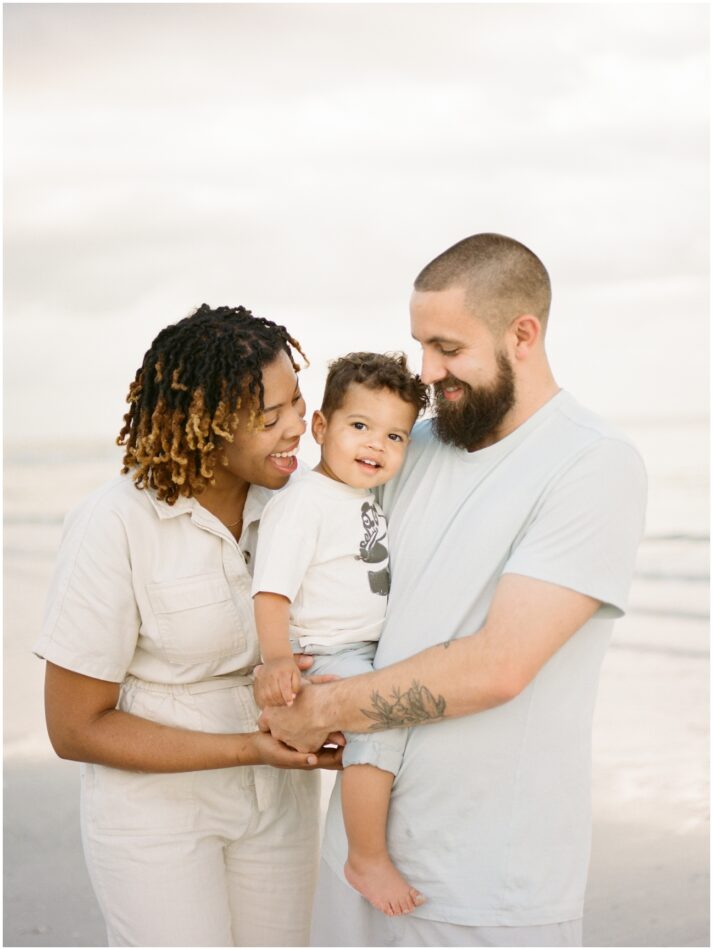
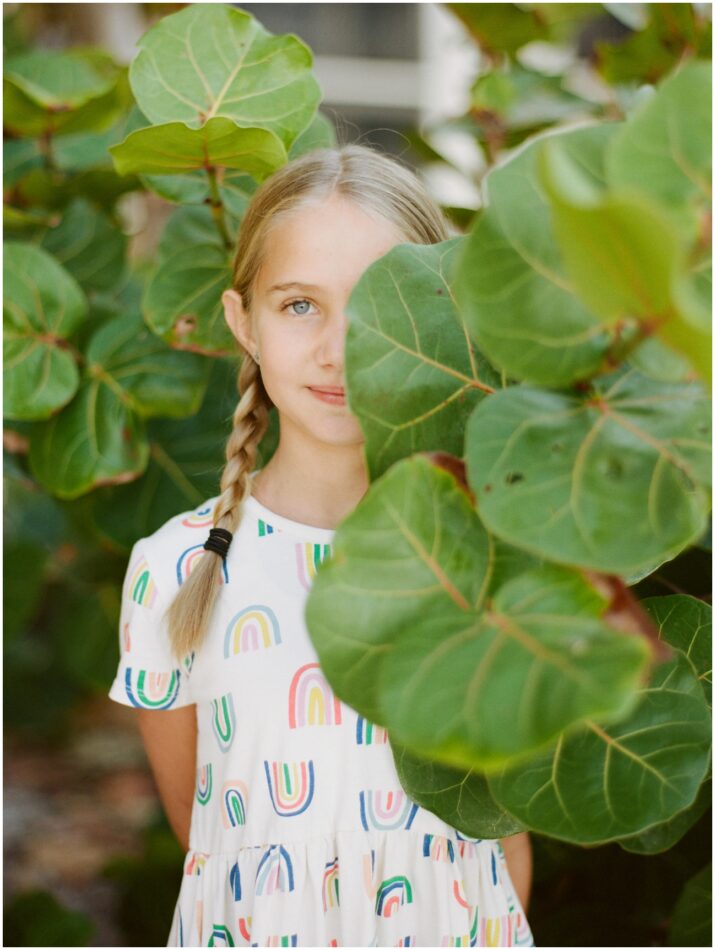
This is helpful for photographers, (especially film photographers), who regularly deliver galleries with a mix of horizontal and vertical photographs. A vertical image can sometimes feel lost when it’s sitting next to larger landscape photographs, especially when the grid is doing most of the work of determining the visual hierarchy.
Now you have more control over which images get more space.
That gives you the ability to make certain photographs stand out without having to change the entire grid.
Separate Mobile Grid Controls
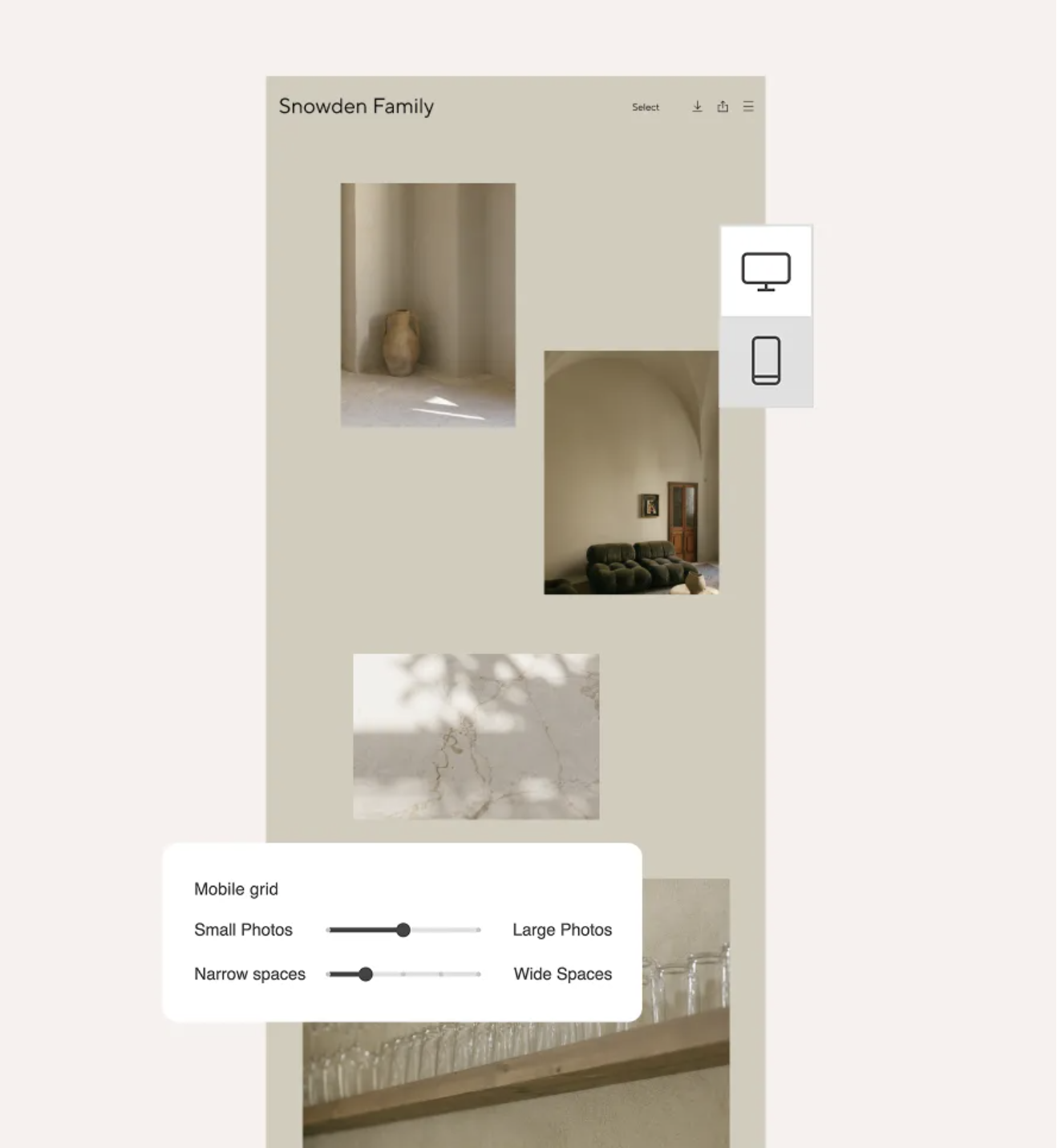
Another feature we’re glad to see is the ability to control the mobile grid separately from the desktop version.
A gallery can look great on a large monitor and then feel completely different when you open it on your phone. Since so many clients are viewing their galleries on mobile, being able to adjust the mobile presentation is useful.
The new mobile controls allow photographers to customize image sizes and spacing specifically for smaller screens.
Being able to design the mobile grid separately gives me more control over how my work is experienced on different screens.
This means you don’t have to rely on the desktop layout to determine exactly how your images will appear on a phone.
Highlights Get Their Own Grid Controls
Professional and Advanced plans will also have dedicated grid designs for Highlights scenes.
If you use Highlights to feature a particular group of images, you can now give those images their own presentation rather than having them automatically follow the same grid as the rest of the gallery.
For wedding photographers, for example, that could be useful for creating a separate presentation for a favorite selection of images or a featured portion of the day.
Seven Loading Animations
Professional and Advanced plans also get seven different loading animations. These let you choose how images appear as a client moves through the gallery.
It’s a smaller feature compared with the new grid layouts and editing tools, but it’s another setting you can customize when you’re building a gallery.
What’s Included With Each Pic-Time Plan?
The new Grids experience is available across all Pic-Time plans, but the available grid options vary by plan.
Free and Beginner
Free and Beginner plans include:
- Pic-Time grid
- Horizontal grid
- Vertical grid
- The new editing environment
- Separate mobile grid controls
Professional and Advanced
Professional and Advanced plans additionally include:
- Four new creative grid designs
- Separate grid design for Highlights scenes
- Seven grid loading animations
So you don’t need a Professional or Advanced plan to use the new editing environment or customize your mobile grid. The higher-level plans give you the additional grid designs and other customization options.
The New Gallery Grid Features at a Glance
Here’s everything included in the update:
- Seven gallery grids, including horizontal, vertical, and four new creative grid designs
- Visual drag-and-drop editing to reorder, enlarge, or hide images
- Portrait image enlargement, in addition to landscape images
- Separate mobile grid controls for image sizes and spacing
- Dedicated grids for Highlights scenes
- Seven loading animations for controlling how images appear
The new Gallery Grid experience launches September 23.
If you already use Pic-Time, you’ll be able to start playing with the new options once the update is live. I’m particularly interested in seeing how the different grids work with different types of sessions and how much easier the visual sequencing makes the gallery-building process.
If you haven’t tried Pic-Time yet, you can learn more about the platform and see what it offers for photographers.
This post contains affiliate links. If you sign up through one of my links, I may earn a commission at no additional cost to you.
Final Thoughts
For us, the biggest part of this update is having more control over the actual presentation of a gallery.
We spend a lot of time choosing which images make it into a gallery and deciding what order they should be in. Being able to see that sequence visually while we are building the gallery makes sense, especially when the layout itself can affect how the photographs work together.
The new grids also gives more options for deciding which images should be larger, how much space they should have, and how the gallery should look on a phone.
We are looking forward to trying out the different layouts and seeing which ones work best for the types of galleries we deliver. If you’re already a Pic-Time user, (or looking to give it a try!), now is definitely a day to log in and take a look at what’s new.